




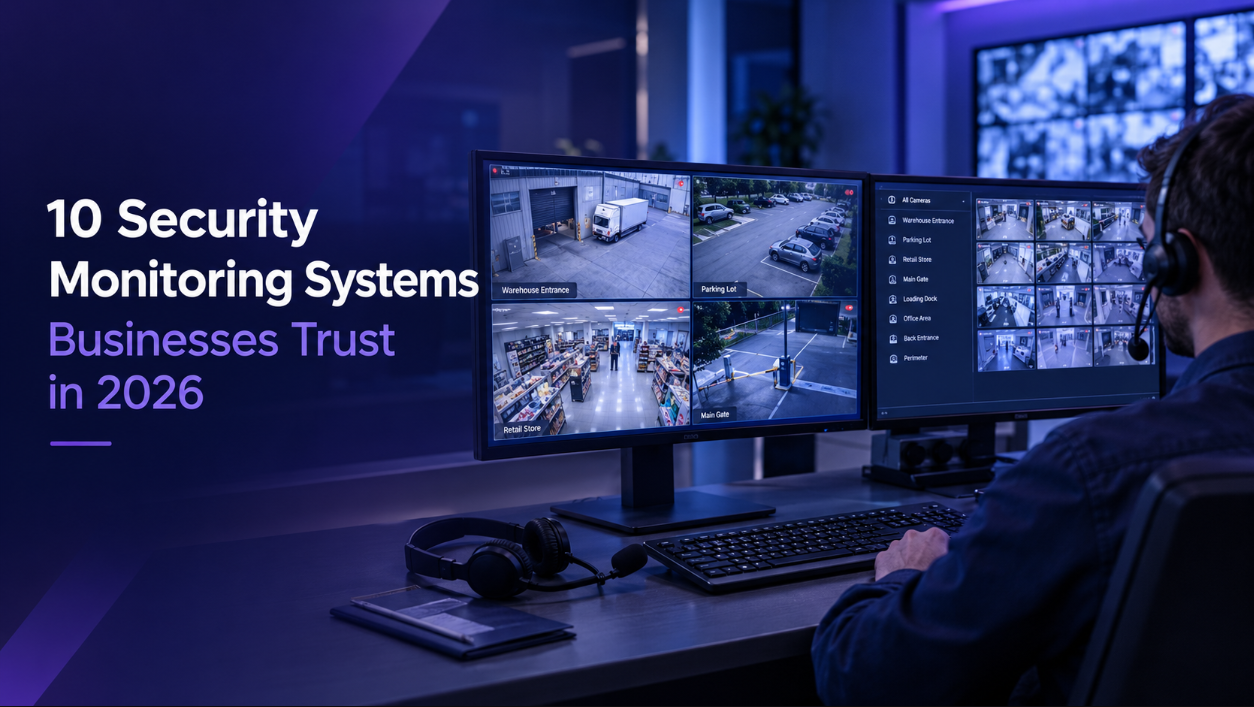
Which Security Monitoring Systems Fit Your Site Best?
TL;DR: Security monitoring systems differ mainly in their response layer: whether a person watches live feeds, reviews alerts triggered by sensors, or does not watch at all. Live monitoring suits unstaffed hours, alert-based monitoring suits staffed hours and lower-risk sites, and privacy rules differ across the UK, Singapore, the USA, and Pakistan.
Picture a distribution yard that closes at six on a Friday. The cameras run all weekend, and nobody reviews them.
By Monday, two pallets are missing. The footage shows exactly how it happened, which helps the insurance claim but does nothing about the loss.
A security monitoring system combines cameras, detection, and a response layer. The response layer decides whether activity is seen while it happens or reviewed afterward. Below are ten approaches businesses use across different sites and budgets, plus three setups that tend to disappoint.
1. Live Operator Video Monitoring
Live operator monitoring is the most hands-on model. Cameras connect to a monitoring center where operators watch feeds during agreed hours. When something appears on screen, a person decides what it is and what happens next.
This model suits sites that sit empty overnight or on weekends, where the gap between an incident starting and anyone noticing often decides the outcome. Our 24/7 live CCTV monitoring runs on this model. The trade-off is cost, since continuous human attention costs more than automated alerting.
2. Alarm and Alert-Based Monitoring
Alert-based monitoring sends footage to an operator only when a detector or analytic rule triggers. The operator reviews the clip, confirms whether it is genuine, and responds.
It costs less than live monitoring because operators review events instead of watching continuously. It suits daytime coverage where staff are present, and it suits lower-risk sites. False triggers are the weak point, since poorly tuned detection can flood operators with activations.
3. Detector-Activated CCTV Built to a Standard
Detector-activated systems pair cameras with sensors so footage reaches an operator only on a genuine trigger. In the UK, BS 8418:2021 is the code of practice for the design, installation, commissioning, and maintenance of detection-activated video surveillance systems.
The standard matters because of police response. According to NSI, a system needs a Unique Reference Number (URN) to be eligible for police response, and it can only be allocated one when it is installed and maintained by a company independently approved by a UKAS-accredited certification body such as NSI. Businesses outside the UK can still borrow the principle: verify before escalating.
4. Two-Way Audio Intervention Systems
Two-way audio adds speakers to the camera setup so an operator can speak directly to someone on site. The operator interrupts the incident instead of only watching it develop.
Our two-way audio surveillance works this way. An operator who sees someone in a yard after hours can challenge them, describe what they are wearing, and say the incident is being recorded. Audio carries legal conditions in several regions, covered in the privacy section below.
5. Cloud-Based Video Monitoring
Cloud systems store footage off-site and stream it to a monitoring center over the internet. Footage can survive even when on-site equipment is stolen or damaged during the incident it recorded.
Cloud also simplifies multi-site access, since every location feeds the same platform. Bandwidth is the constraint, so sites with weak connectivity may need local recording with cloud backup.
6. On-Premise Recording With Remote Access
On-premise systems keep footage on a local recorder, with remote viewing when someone logs in. Ongoing costs can be lower than cloud, and there is no dependence on upload bandwidth.
The weakness is that a stolen recorder takes the evidence with it, and remote viewing only helps when someone remembers to look. Some sites run this as a base layer and add monitoring on top.
7. Hybrid Monitoring Across Day and Night
Hybrid setups apply different monitoring types to different hours: alert-based coverage during staffed trading hours, and live monitoring overnight and on weekends.
This matches spend to risk instead of paying for continuous watching while staff already provide coverage. It works well for retail, warehousing, and any site with a clear staffed and unstaffed split.
8. Multi-Site Centralized Monitoring
Multi-site monitoring routes every location’s cameras into one center, so a single operator team covers all sites rather than each being handled separately.
The benefit is pattern recognition across locations. An operator covering twelve sites can notice when the same vehicle appears at two of them in one night. It suits franchise operations, retail chains, and businesses where no single site justifies its own security staffing.
9. Remote Guarding With Escalation Protocols
Remote guarding combines monitoring with an escalation path agreed in advance: who is contacted, in what order, and what the operator does first.
Our virtual security guard services run on this model. A written protocol matters as much as the technology, since an operator improvising during an incident loses the time that often decides the outcome.
10. Entry Verification and Remote Doorman Systems
Entry verification puts an operator behind the intercom and gate camera, confirming who is arriving before access is granted. Our virtual doorman services cover visitor verification, delivery logging, and contractor access under one protocol.
This addresses credential-based entry, where a code or fob proves nothing about who is actually using it.
Which Security Monitoring Setups Tend to Disappoint?
- Recording with no one watching. Footage is usually seen only after a loss, so the system works as documentation rather than security.
- Automated alerts sent to a phone. Alerts land on a device that may go unchecked at 3 a.m. The detection worked, but the response did not follow.
- Unmaintained systems. Cameras go offline, lenses get dirty, and drives fill up. Without someone tracking system health, failures stay invisible until the footage is needed.
What Privacy Rules Apply to Monitored Camera Systems?
Security monitoring systems bring legal duties that differ by country, and getting them wrong creates exposure on top of any security benefit. This section is general information, not legal advice.
United Kingdom. UK GDPR applies, and the ICO is the regulator. The ICO’s video surveillance guidance says you must tell people when you are capturing their personal data, that the purpose of your processing should determine how long you keep footage, and that access should be restricted to authorized individuals. It also says surveillance systems should not normally record conversations between members of the public, and that audio capability should be switched off by default.
Singapore. The Personal Data Protection Act (PDPA) applies to footage of identifiable people. The PDPC’s advisory guidelines say notices should be placed so people are sufficiently aware that cameras are in use, and should state that CCTV is operating and why. Exact camera locations do not need to be disclosed.
United States. Video rules sit mainly at the state level. For audio, federal law sets a one-party consent baseline and states can be stricter. According to RecordingLaw, nine states require all-party consent (California, Florida, Illinois, Maryland, Massachusetts, Montana, New Hampshire, Pennsylvania, and Washington), and six more apply mixed rules. Because of this variation, some businesses switch audio recording off rather than manage it.
Pakistan. As of March 2026, Pakistan has not enacted a comprehensive personal data protection law. According to Chambers’ 2026 data protection guide, the Personal Data Protection Bill, 2023 has completed consultation but has not been passed by both houses of Parliament. Until it is, GDPR-aligned practices are the usual benchmark.
Across all four regions, three habits reduce risk: visible signage, a short named list of people allowed to view footage with every access logged, and a retention period tied to your purpose rather than to disk space.
How Should You Choose Between Security Monitoring Systems?
Match the system to the gap, not to the feature list.
If the site sits empty overnight, live monitoring with two-way audio covers the window when incidents tend to finish without interruption. If staff are present during the day, alert-based coverage during those hours plus live monitoring after close keeps spend proportionate.
If you run several locations, centralized monitoring gives cross-site visibility that separate systems cannot. If entry control is the weak point, remote doorman and entry verification address credential misuse directly.
Before signing with any provider, ask four things: who is watching during your specific hours, what the written response sequence is, how camera outages are detected, and how your footage is stored, accessed, and deleted.
How Does GCCTVMS Monitor Sites Across Four Regions?
When a site is onboarded, we agree a response plan with the client: who is called, in which order, and what the operator does before any call is made. Operators then follow that plan on every incident.
In most cases we work with the cameras a business already has, so the change is the monitoring layer rather than new hardware. Every incident produces a timestamped report that can be shared with police or insurers.
Live monitoring means an operator watches your feeds during contracted hours. Alert and alarm monitoring means an operator reviews footage when a sensor or analytic triggers. Live monitoring costs $0.20 per camera per hour, and alert and alarm monitoring costs $0.10 per camera per hour. Four cameras monitored around the clock work out at $576 per month on live monitoring, or $288 per month on alert monitoring. Prices are subject to change.
We cover sites across the USA, UK, Singapore, and Pakistan. To see which of these approaches fits your site, get a free call and we will go through it with you.
Key Takeaways
- Security monitoring systems differ mainly in their response layer: whether a person watches continuously, reviews triggered alerts, or does not watch at all.
- Live monitoring suits unstaffed hours. Alert-based monitoring suits staffed hours and lower-risk sites. Many businesses run both across different parts of the day.
- In the UK, a detection-activated system needs a URN to be eligible for police response, and a URN requires installation and maintenance by an independently approved company.
- Recording with no one watching, phone alerts nobody checks, and unmaintained systems are the three setups most likely to disappoint.
- Privacy duties differ by region: UK GDPR, Singapore’s PDPA, and US state rules each apply differently, and Pakistan had no enacted law as of March 2026.
FAQs
What is a security monitoring system?
It is a setup that links cameras and sensors to a response process, so someone can act on what the cameras see. Some only record footage for later. Others send feeds to a monitoring center where trained operators respond as events unfold.
What is the difference between live monitoring and alarm monitoring?
With live monitoring, an operator watches your cameras throughout the hours you contract. With alarm monitoring, the operator only looks when a sensor or analytic flags something. Alarm monitoring costs less and fits lower-risk sites or sites with staff on hand.
Can I use the cameras I already have?
Usually. Newer IP cameras typically connect to a remote monitoring platform as they are. Older analog cameras often need an encoder or a compatible recorder rather than full replacement.
Which security monitoring system suits a business with nobody on site overnight?
Live monitoring with two-way audio is a common fit. An operator can watch events as they happen and speak through the site speakers before contacting police or the site owner.
How much do security monitoring systems cost?
Pricing depends on camera count, coverage hours, and monitoring type. At GCCTVMS, live monitoring is $0.20 per camera per hour and alert monitoring is $0.10 per camera per hour, so four cameras covered 24/7 come to about $576 a month on live monitoring or $288 a month on alert monitoring. Prices are subject to change.
Can monitoring replace on-site security guards?
Partly. Remote operators can cover gates and open areas for many hours, which lowers how many guard hours a site needs. A physical guard is still better for jobs such as escorting visitors or handling a medical incident.
What privacy rules apply to monitored camera systems?
They depend on the country. The UK follows UK GDPR and ICO guidance, Singapore follows the PDPA and PDPC guidelines, and US rules vary by state, especially for audio. Pakistan had no enacted data protection law as of March 2026. In most places, signs, limited footage access, and limited retention are expected.
What should I ask a provider before signing?
Get four answers in writing: who is on duty during your coverage hours, what the operator does in the first minute of an incident, how offline cameras are spotted, and who can access or delete your footage.
