


Using a Virtual Doorman: The Complete Resident’s Guide
Table of Contents
ToggleSarah moved into her new apartment building last month. On day three, her friend arrived for a housewarming visit. The intercom buzzed. An unfamiliar voice asked her friend’s name and destination. Sarah’s phone rang—someone asking if she expected a visitor named Jessica.
She panicked. Where was the button to let Jessica in? Why was a stranger asking questions? What happened to the simple buzzer from her old building?
Ten minutes later, Jessica finally made it upstairs. Sarah felt embarrassed and frustrated. Nobody had explained how using a virtual doorman actually worked.
Two weeks later, everything changed. Sarah’s elderly mother now visits every Sunday without waiting outside. Packages arrive safely instead of disappearing from the lobby. She grants her dog walker remote access while sitting at her office desk.
Using a virtual doorman became second nature once she understood the basics. This guide explains everything residents need to know—from letting guests in to handling emergencies—so your first weeks go more smoothly than Sarah’s.
What Happens When Someone Visits Your Building?
Understanding the process makes using a virtual doorman feel natural rather than confusing. According to ButterflyMX’s guide to using a virtual doorman system, the process works the same across most buildings:
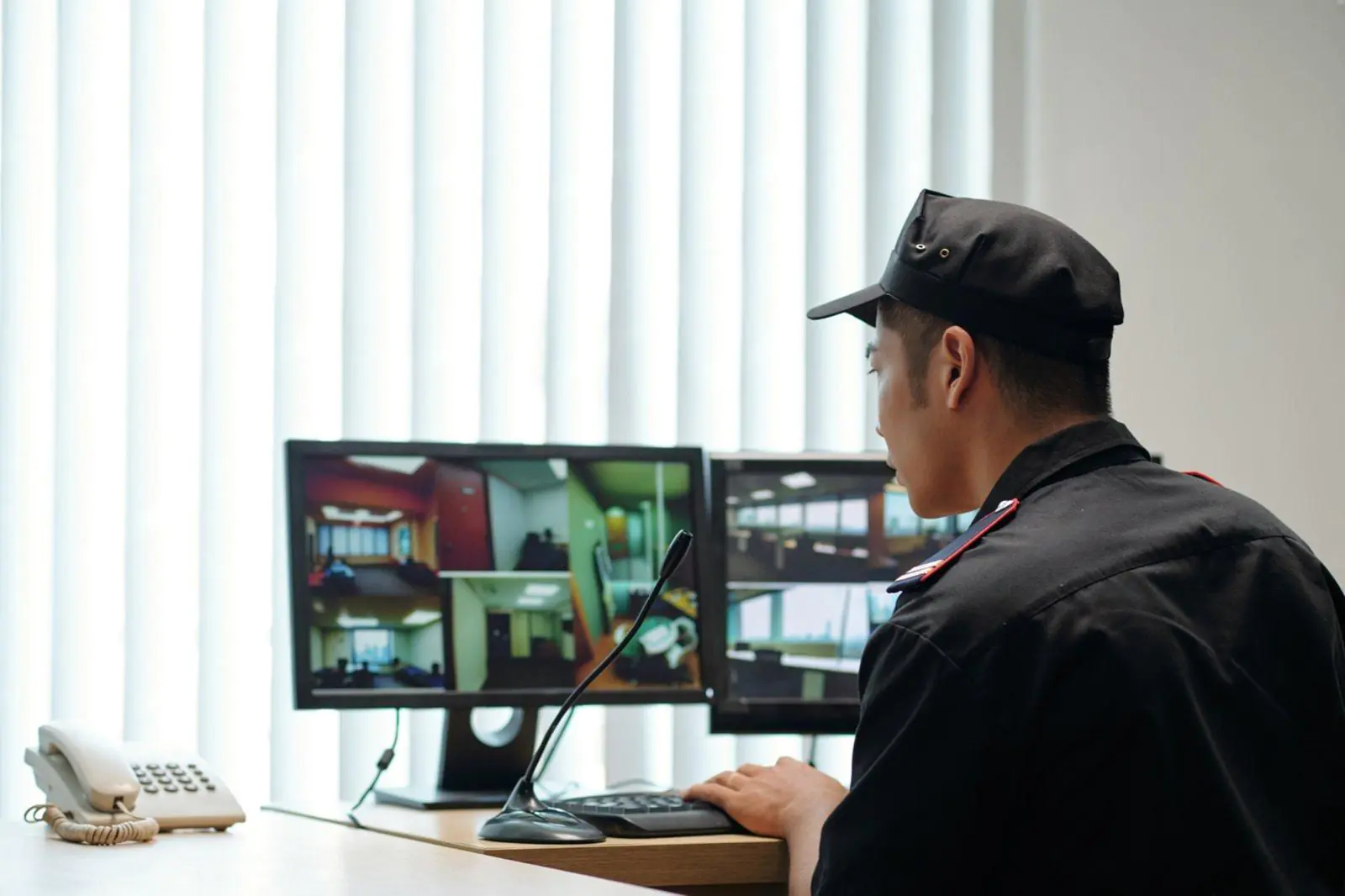
Your visitor arrives at the building entrance and presses the intercom button. Unlike traditional buzzers that connect directly to your apartment, the call goes to a remote monitoring center staffed by professional operators. Within seconds—usually under 20—an operator answers via video and audio.
The operator asks your visitor’s name and who they’re visiting. While speaking with your visitor, the operator contacts you through a phone call, app notification, or your in-unit intercom. You confirm or deny the visitor. If approved, the operator unlocks the door remotely.
The entire process takes under a minute when everyone knows their role. Understanding how a virtual doorman works step-by-step helps residents appreciate why the system feels different from traditional entry methods.
Letting Guests Into Your Building
Using a virtual doorman for guest access works differently depending on whether you’re home, away, or expecting visitors in advance.
When You’re Home
You receive a notification—phone ring, app alert, or intercom buzz—that a visitor arrived. The notification includes your visitor’s name and sometimes a video image. You confirm identity and authorize access. The door unlocks. Your guest proceeds to your unit.
The whole interaction takes about 30 seconds. After a few experiences, residents handle visitor notifications almost automatically.
When You’re Away from Home
Your guest arrives while you’re at work, running errands, or traveling. Your phone displays a notification with visitor details. Through your mobile app, you can see who’s waiting and communicate with the operator.
Authorize access remotely—your guest enters the building. They can wait at your door, leave a package, or meet your dog walker inside. Using a virtual doorman remotely provides the flexibility that traditional systems never offered.
Pre-Authorizing Expected Guests
Expecting company? Contact your building management or use your mobile app to pre-authorize visitors. Provide the visitor’s name and expected arrival time. When they arrive, the operator grants access without calling you.
One resident shared her approach: “My parents visit every Sunday. I pre-authorize them weekly through the app. They walk right in without waiting or calling me.”
Pre-authorization works perfectly for dinner parties, family gatherings, scheduled maintenance visits, and regular service providers. According to Real Estate Business Review’s analysis, residents who use pre-authorization features report significantly higher satisfaction with their virtual doorman services.
Receiving Packages Safely
Package theft drove many buildings toward using a virtual doorman services in the first place. Understanding how deliveries work ensures your packages stay secure. Virtual doorman services include a comprehensive package management that benefits every resident.
How Package Deliveries Work
The delivery driver arrives at your building entrance. The operator verifies courier credentials—checking uniforms, vehicles, and delivery documentation. Once verified, the driver receives access to your lobby or designated package area. Your package gets placed in a secure location. You receive a notification that your delivery arrived.
No more packages sitting unattended in open vestibules. No more hoping neighbors don’t grab your boxes. Using a virtual doorman for delivery management provides resident security that camera-only buildings cannot match.
Special Delivery Situations
Large furniture deliveries require coordination. Contact your building management in advance to arrange elevator reservations and loading dock access.
Perishable items like groceries or flowers may need special handling. Some buildings allow refrigerator storage; others notify you immediately for quick retrieval.
Signature-required packages mean you must be home. The operator will note signature requirements and contact you for timing coordination.
Retrieving Your Packages
Know your building’s package area location—lobby desk, package room, locker system, or other designated space. Retrieve packages promptly to prevent overcrowding and confusion. If a package goes missing, report it to building management immediately with tracking information.
Getting the Most from Your Virtual Doorman App
Most virtual doorman systems include mobile apps that many residents never fully explore. According to BOS Security’s comprehensive guide, app features significantly improve the resident experience when properly utilized.
Features Most Residents Miss
Remote access granting lets you authorize visitors from anywhere—your office, a restaurant, or another city entirely.
Visitor history shows who visited your building and when. Track deliveries, guest arrivals, and service provider visits. One resident admitted, “I didn’t know I could see visitor history until month three. Now I track every delivery and know exactly when my house cleaner arrives and leaves.”
Notification preferences let you customize alerts. Want texts instead of calls? Only notifications for certain visitors? Using a virtual doorman app effectively means configuring it for your lifestyle.
Pre-authorization scheduling enables recurring access for regular visitors without repeated authorization requests.
Direct operator contact provides immediate communication when you need assistance.
Setting Up Your App
Download the app from your device’s app store—ask building management for the specific app name if you’re unsure. Create your account using the building-provided credentials. Enable notifications so you never miss visitor alerts. Add emergency contacts for your profile. Test functionality before your first expected visitor arrives.
Understanding virtual doorman responsibilities helps residents know what to expect from operators and what falls outside their scope.
Setting Up Access for Regular Visitors
Residents with frequent visitors—family, caregivers, dog walkers, house cleaners—benefit tremendously from recurring access authorization. Using a virtual doorman efficiently means setting up regular visitor access once rather than authorizing every single visit.
Contact your building management or doorman service company to establish recurring access. Provide complete information:
- Visitor’s full name
- Expected days and times of visits
- Duration of authorization (ongoing, specific date range, or limited period)
- Any special instructions
Update authorizations when circumstances change. If your dog walker quits or your regular housekeeper changes schedules, notify building management promptly. Revoking outdated access maintains your resident security.
Understanding virtual doorman services for residential buildings provides additional context on how these systems serve residents specifically.
Virtual Doorman System Support During Emergencies
Many residents wonder how using a virtual doorman affects their safety during emergencies. The system provides layers of resident security beyond daily convenience.
What Operators Monitor
Virtual doorman operators continuously monitor building entrances for suspicious activity. They watch for emergency indicators like fire alarms or security threats. After-hours access attempts receive extra scrutiny. Unusual patterns get flagged for attention.
According to Swiftlane’s provider analysis, professional operators receive training specifically for emergency recognition and response.
During Different Emergency Types
Fire emergencies: Operators contact the fire department immediately, provide building-specific information, and guide first responders to affected areas.
Medical emergencies: Operators can call ambulances with precise building location information. They ensure paramedics receive building access quickly.
Security threats: Operators alert police with suspect descriptions when available. Building lockdown procedures can be activated if appropriate.
7 ways a virtual doorman improves building security details specific security functions that protect residents.
Your Role During Emergencies
Know your building’s emergency procedures—using a virtual doorman services add protection, but don’t replace personal preparedness. Understand how to contact operators directly during crises. For life-threatening emergencies, call 911 directly rather than relying solely on the virtual doorman system. Report suspicious activity to operators proactively—they can’t monitor what they can’t see.
Using a Virtual doorman service adds an important layer of resident security, but personal awareness remains essential.
When Things Go Wrong
Even reliable systems occasionally have issues. Knowing basic troubleshooting saves frustration.
Common Issues and Solutions
Visitor can’t reach you: Check your phone and app notification settings. Verify your contact information is current with building management. Ask the visitor to try the intercom again.
App not working: Check your internet connection first. Update the app to the latest version. If problems persist, contact building management for technical support.
Guest denied entry incorrectly: Call building management immediately. Provide guest name and explain the situation. Request manual override if your guest needs urgent entry.
Who to Contact
Building management handles most issues—they’re your first contact for problems with using a virtual doorman in your building. The doorman service company addresses service-specific technical problems. Your building’s emergency line handles after-hours urgent issues.
Remote doorman services typically include support resources for both building management and residents.
Tips from Experienced Residents
Residents who’ve lived with virtual doorman systems for years offer practical advice:
Save the building management contact in your phone. When issues arise, you’ll have the number immediately available.
Test the app before your first expected visitor. Don’t learn the system while your guest waits outside.
Pre-authorize regular visitors to save daily hassle. The upfront effort prevents repeated authorization requests.
Enable all notifications initially. You can adjust preferences later once you understand what matters most.
Brief guests before they arrive. Explain they’ll speak with an operator and answer a few questions. First-time visitors appreciate knowing what to expect.
Be patient during the learning curve. Using a virtual doorman feels awkward at first but becomes effortless quickly.
One long-term resident summarized her experience: “After two weeks of using a virtual doorman daily, I can’t imagine going back to buildings without it. My packages are safe, my guests get in easily, and I genuinely feel more secure.”
Making Virtual Doorman Services Work for You
Using a virtual doorman effectively requires understanding the basics, configuring your app, and setting up recurring access for regular visitors. The learning curve feels steep during the first few days but flattens quickly.
The benefits—resident security, package protection, convenient guest access, and remote authorization—make adjustment worthwhile. Buildings with professional virtual doorman services offer protection and convenience that traditional entry systems simply cannot match.
Explore your app’s features. Ask building management questions when confused. Communicate your preferences to your doorman service. Once residents get comfortable with the system, using a virtual doorman becomes invisible—working quietly in the background to keep buildings secure and residents connected.
If you have questions about virtual doorman services or want to understand your building’s specific system better, reach out to your building management or Contact professional providers for additional guidance.
FAQ’s
How does using a virtual doorman work for residents?
Visitor presses intercom → professional operator answers → operator contacts you → you confirm visitor → door unlocks remotely. The entire process takes under 60 seconds.
Can I let guests in when I’m not home?
Yes. Using a virtual doorman app, you receive mobile notifications when visitors arrive. Authorize entry remotely from anywhere—work, gym, or vacation.
How do I pre-authorize visitors with a virtual doorman system?
Contact building management or use your mobile app. Provide the visitor’s name, expected arrival time, and duration. The operator grants access without calling you.
How does a virtual doorman system handle package deliveries?
Operators verify delivery driver credentials, grant building access, and direct packages to secure areas. You receive a notification when deliveries arrive.
What virtual doorman app features should residents use?
Remote access granting, visitor history, notification preferences, pre-authorization scheduling, and direct operator contact. Most residents miss these features initially.
Does a virtual doorman improve resident security?
Yes. Professional operators verify every visitor, monitor entrances for suspicious activity, and coordinate emergency response. This provides resident security that traditional buzzers cannot match.
What happens during emergencies with virtual doorman services?
Operators contact emergency services immediately, provide building location details, and guide first responders. They monitor for fire, medical, and security emergencies around the clock.
Who do I contact if my virtual doorman system has problems?
Contact building management first for most issues. They escalate to the doorman service company for technical problems. Use the emergency line for urgent after-hours issues.
How long does it take to get comfortable using a virtual doorman?
Most residents feel comfortable within two weeks. Test your app before the first expected visitor, pre-authorize regular guests, and enable notifications from day one.
Can elderly or less tech-savvy residents use virtual doorman services?
Yes. The basic process is simple—answer your phone and confirm visitors. Building management can provide additional orientation, and operators guide visitors patiently through the intercom process.
