


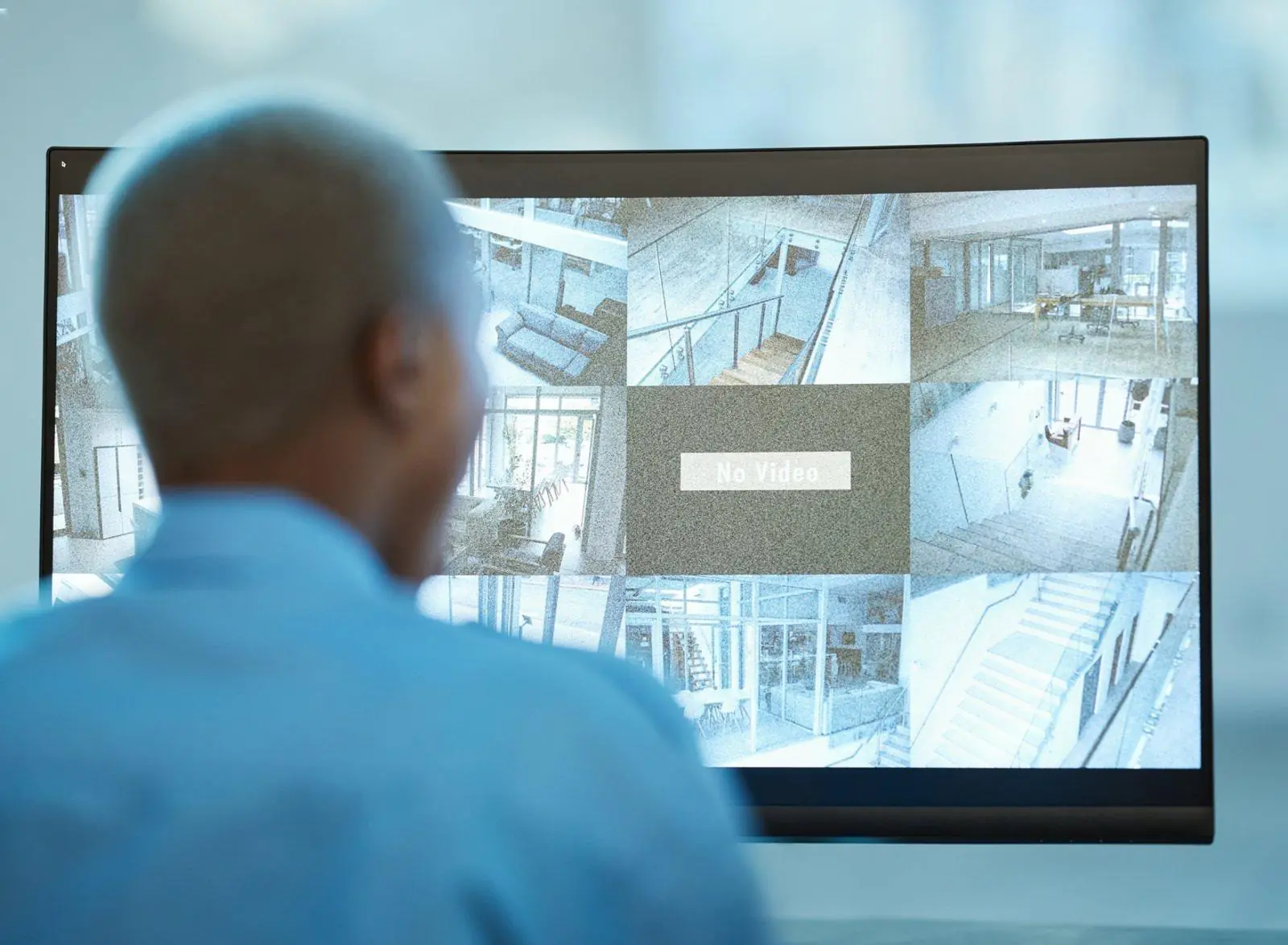
Why CCTV Monitoring Matters for Small Businesses
Table of Contents
ToggleSmall businesses face many risks, from theft to break-ins to liability issues. A strong security system can reduce these risks and give owners clear visibility across their site. CCTV Monitoring helps a business stay protected with steady oversight, recorded evidence and fast response when something unusual happens. Many owners think setting up CCTV Monitoring is complicated. In reality, a well-planned approach keeps the process simple and effective.
This guide walks through each step, from planning camera placement to configuring Remote CCTV Monitoring, Live CCTV Monitoring and 24 7 CCTV Monitoring Services. Every section is written for small business owners who want a reliable security setup without technical confusion or enterprise sized budgets.
Why CCTV Monitoring Matters for Small Businesses
Small businesses often operate with fewer staff, limited surveillance coverage and long hours. These conditions create gaps that criminals look for. CCTV Monitoring closes those gaps by giving the business consistent visibility. Camera footage helps prevent theft, supports investigations, protects staff and reduces insurance claims. Reliable monitoring also helps owners track activity when they are off site.
CCTV Monitoring Services provide an extra layer of protection because there is always someone watching. Remote CCTV Monitoring brings trained operators into the process. Live CCTV Monitoring helps detect suspicious behavior in real time. Many small businesses also choose 24 7 CCTV Monitoring Services for continuous visibility when the building is empty.
A full guide on the purpose and structure of CCTV monitoring can be found here
https://gcctvms.com/what-is-cctv-monitoring-complete-beginners-guide/
Choosing the Right CCTV Monitoring System
Selecting the correct equipment and service structure is the first major step. A system should fit the size of the business, the layout, the industry and the level of risk.
Types of CCTV Monitoring setups
Every business has different needs. Small shops may need a simple setup. Warehouses may need wider coverage. Offices may need several indoor cameras but limited outdoor placement.
Common system types include:
• Wired cameras for stable connection
• Wireless cameras for simple installation
• Indoor cameras for lobbies and work areas
• Outdoor cameras for entrances and parking areas
• PTZ cameras for flexible angles
• Remote CCTV Monitoring setups for off site coverage
• Live CCTV Monitoring options for direct real time action
Factors to consider before choosing cameras
• Video clarity during day and night
• Field of view
• Storage space
• Network stability
• Blind spots near corners or shelving
• Your budget and the number of cameras needed
Your monitoring service will be more effective when the system is matched correctly to the space.
Planning the Site Layout Before Installation
A strong CCTV Monitoring setup always begins with a clear plan. Small business owners should map out high risk areas, key movement points and places where incidents are most likely to occur.
Identify high risk spots
• Cash counters
• Entry points
• Employee only rooms
• Back doors
• Delivery areas
• Parking spaces
• Stockrooms
Create a monitoring map
This map should include camera positions, lighting requirements and ideal coverage angles. Avoid placing cameras too high or too low. Make sure each camera captures useful detail rather than wide empty spaces.
Lighting makes a major difference. Cameras that face bright lights or sunlight often produce unclear images. Keep this in mind when planning each position.
Setting Up the CCTV Hardware
Once the planning phase is complete, owners can move into installation. Hardware installation includes mounting cameras, setting up power, connecting devices and testing each view.
Camera installation guidelines
• Keep cameras at a height that prevents tampering
• Aim cameras at key areas rather than general space
• Test day and night clarity
• Make sure wired cameras are connected safely
• Leave no blind spots
• Avoid reflective surfaces
Connect and test the system
Testing includes checking network speed, confirming that camera streams load quickly and ensuring the footage is sharp. Owners should also test the angle, brightness and storage connection before moving to the monitoring phase.
A detailed technical reference on video surveillance technology can be found here
https://ivcco.com/blog/technologies-used-in-video-surveillance/
Configuring CCTV Monitoring Services
This is where CCTV Monitoring becomes active. Setup varies based on the service level chosen, such as Remote CCTV Monitoring or Live CCTV Monitoring.
Remote CCTV Monitoring setup
Remote monitoring is performed off site by trained operators. This service provides oversight without needing a security guard at the location. The setup involves:
• Connecting cameras to the monitoring center
• Setting activity rules
• Defining alert levels
• Linking intrusion zones
• Assigning after hours policies
• Connecting audio warnings if needed
Remote CCTV Monitoring is the preferred option for small businesses that do not have staff available during night hours. More details are available here
https://gcctvms.com/remote-cctv-monitoring-24-7-security/
Live CCTV Monitoring setup
Live monitoring means operators watch the footage as activity unfolds. This option works well for businesses with high foot traffic, valuable assets or regular deliveries.
Setup includes:
• Real time monitoring panels
• Alert notifications
• Panic protocols
• Linking access control
• Setting thresholds for suspicious activity
A breakdown of live monitoring can be viewed here
https://gcctvms.com/24-7-live-cctv-monitoring-services/
24 7 CCTV Monitoring Services setup
This option covers the entire day. It prevents gaps when the business is closed, and it helps protect exterior areas after hours. Continuous monitoring requires:
• Backup storage
• Stable internet connection
• Consistent camera health checks
• Clear alarm response rules
A list of companies offering 24 7 live monitoring in the USA can be viewed here
https://gcctvms.com/which-companies-offer-24-7-live-cctv-monitoring-in-the-usa/
Storage and Data Management
Storing footage securely is a major part of CCTV Monitoring. Small businesses must ensure footage is preserved safely and kept long enough for any investigations.
Types of storage options
• Local NVR
• Cloud storage
• Hybrid options
Retention planning
Storage rules depend on insurance requirements, legal guidelines and how often incidents occur. Some industries require footage to be kept for several weeks. Others only need short term storage.
To understand legal expectations for storing footage, refer to this business data protection resource
https://andersonhunterlaw.com/blog/the-most-important-data-protection-laws-for-businesses/
Connecting CCTV Monitoring to Mobile and Desktop
Small business owners often need remote access to their camera feeds. Most monitoring systems allow easy connection to mobile apps and desktop dashboards.
You should check for:
• Secure login methods
• Access control for staff
• Alerts on motion events
• Download options for video clips
• Multi device compatibility
This gives owners the flexibility to check activity even when they are not at the location.
Setting Up Alerts, Rules and Automations
Monitoring becomes effective when the system is configured with correct alert rules. Alerts help operators detect suspicious activity instantly.
Alert types
• Motion detection
• Off hours activity
• Entry sensor alerts
• Line crossing rules
• Area intrusion rules
• Panic button response
Owners can also pair their monitoring setup with audio warnings or smart lighting. These features help prevent incidents by scaring off intruders.
Cybersecurity for CCTV Monitoring
CCTV systems need strong cybersecurity to avoid digital threats. Weak passwords or unsecured networks can expose camera feeds to unwanted access. Small businesses often overlook this risk, making them easy targets for cyber crime.
A strong cybersecurity setup includes:
• Unique passwords
• Router protection
• Encrypted connections
• Regular updates
• Secure remote access
• Firewalls and network separation
Guidance for small business cybersecurity is available here
https://www.fcc.gov/communications-business-opportunities/cybersecurity-small-businesses
A more detailed cybersecurity report can be found here
https://www.coalitioninc.com/blog/security-labs/small-business-cybersecurity-study-june
Working With a CCTV Monitoring Services Provider
Many small businesses choose to partner with a service provider rather than managing everything alone. Providers handle setup, monitoring, maintenance and reporting.
What small businesses should expect
• Clear pricing
• Trained operators
• Fast response
• Camera health checks
• Simple reports
• No hidden fees
Choosing the right partner improves security, reduces incidents and saves owners significant time.
A full list of top monitoring providers is available here
https://gcctvms.com/top-cctv-monitoring-service-providers-in-2025/
Why outsourcing helps small teams
• No need for a guard
• No need to watch screens
• Better incident handling
• Lower long term cost
• Stronger data management
Common Setup Mistakes Small Businesses Make
Some mistakes reduce the effectiveness of CCTV Monitoring. Avoid these common problems:
• Poor camera placement
• No backup storage
• Weak WiFi coverage
• Not testing night vision
• No alert rules configured
• Not maintaining cameras
• Using default passwords
Fixing these issues improves overall performance and reduces false alarms.
Cost Breakdown for CCTV Monitoring Setup
Costs vary based on equipment, service level and number of cameras. A typical small business setup includes:
• Camera hardware
• Installation
• Storage devices
• Remote CCTV Monitoring
• Live CCTV Monitoring
• 24 7 Monitoring add ons
• Audio speakers
• Network setup
CCTV Surveillance Systems that improve site security are covered in more detail here
https://gcctvms.com/how-can-cctv-surveillance-systems-improve-security/
When to Upgrade Your CCTV Monitoring System
Owners should consider upgrading when:
• Cameras are older
• Video quality is low
• Coverage is limited
• New rooms or areas are added
• Insurance requires an update
• Repeated incidents occur
• The business expands
• Storage becomes insufficient
Upgrading improves safety and ensures the system stays reliable.
Final Checklist for Small Business Owners
Use this checklist to confirm your setup is complete:
• Camera positions are correct
• Coverage is full
• Storage is secured
• Alerts are configured
• Cybersecurity is active
• Remote access is working
• Monitoring services are linked
• Audio warnings are tested
• Policies are clear
Once these steps are completed, the business has a strong CCTV Monitoring setup ready for daily use.
Conclusion
CCTV Monitoring is one of the most effective security steps a small business can take. When set up correctly, it protects assets, employees and customers while reducing risk and improving visibility. Small businesses benefit from better response, reliable oversight and a simple structure that keeps them protected at all times.
If you want guidance on setting up CCTV Monitoring for your business, schedule a call here
Book a Call now
Your small business can have the same level of protection as a large company without complicated systems or high costs. Careful planning and choosing the right monitoring service allow you to build a long lasting and secure environment for everyone who walks through your doors.

One Response
Good overview of why CCTV is so important for small businesses, especially regarding liability issues. I also found some helpful risk assessment tools while researching on https://seed3d.ai.